Products, services and knowledge from one shop
Mix several kinds of things in one shop. Payments and receipts work the same for all of them.
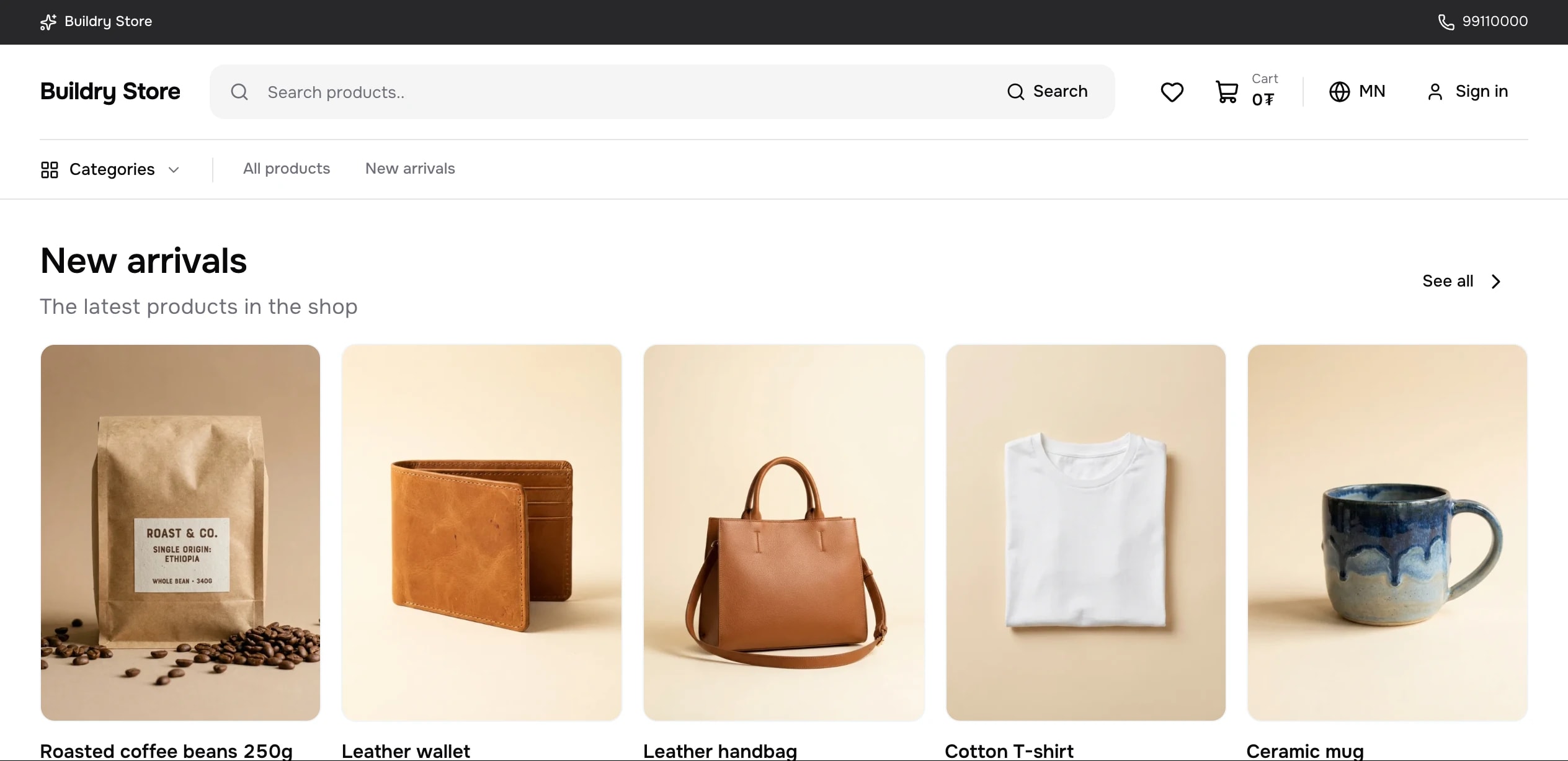
Products, bookings, nightly rentals, digital products, courses and tickets.
- 01
Physical products
Colour and size variants, stock, sales and bundles. You set your own delivery fees.
- 02
Appointments
Salon, consultation and class times booked without overlaps. Take a deposit as a percentage and show your cancellation terms up front.
- 03
Rentals by the night or day
Hotel and holiday rooms by the night, with closed days, seasonal prices and calendar sync over iCal.
- 04
Digital products
Files and license codes are delivered to the buyer as soon as the payment comes through.
- 05
Online courses
Sell courses with sections and video lessons, and follow each learner's progress.
- 06
Event tickets
Sell tickets with a set capacity and email a receipt with a QR code for every seat.
Running your shop
- A checklist shows what is missing before you publish
- Preview a draft product before publishing it
- Timed sales start and end on their own
- Set the deposit percentage for bookings yourself (or take no deposit)
- Closed days, seasonal prices and hours for each salon staff member
- Import and export external calendars over iCal
- Download orders as CSV or JSON
- Add staff with their own sign-in and permissions; every action is logged
- Create orders taken by phone or Messenger in the console and send the payment link
- Leave notes on an order that only your team can see
- Mark many orders delivered at once and print packing slips
- Sign in with a passkey, see your signed-in devices and sign out of them
Physical products, appointments, nightly rentals, files, license codes, video courses and event tickets. One cart, one payment.
The buyer picks a day and books a free slot. You set the deposit percentage and cancellation terms and show them before booking.
Each order sits in the column for its stage. Drag a card, or use its move menu, to take it to the next step. The calendar shows each day's sales and the orders shipped and delivered.
Record stock in, stock out, counts and transfers between locations, and every movement stays in the history. Stock moves only once a transfer is confirmed. Shops that need it turn it on in Settings.
Other areas.
QPay, card, wallets and installments. Money straight to your account, receipts issued automatically.
Learn more →02MarketingCoupons, reminder emails, catalogs, Pixel and reports.
Learn more →03Customers and trustCustomer cards, points and complaint resolution.
Learn more →04Domains and integrationsYour own domain, Open API, webhooks, apps and product feeds.
Learn more →