Money straight to your account, receipts issued automatically
Payments are processed by the payment operator Wire. The money never passes through OpenShop; it goes straight to your account.
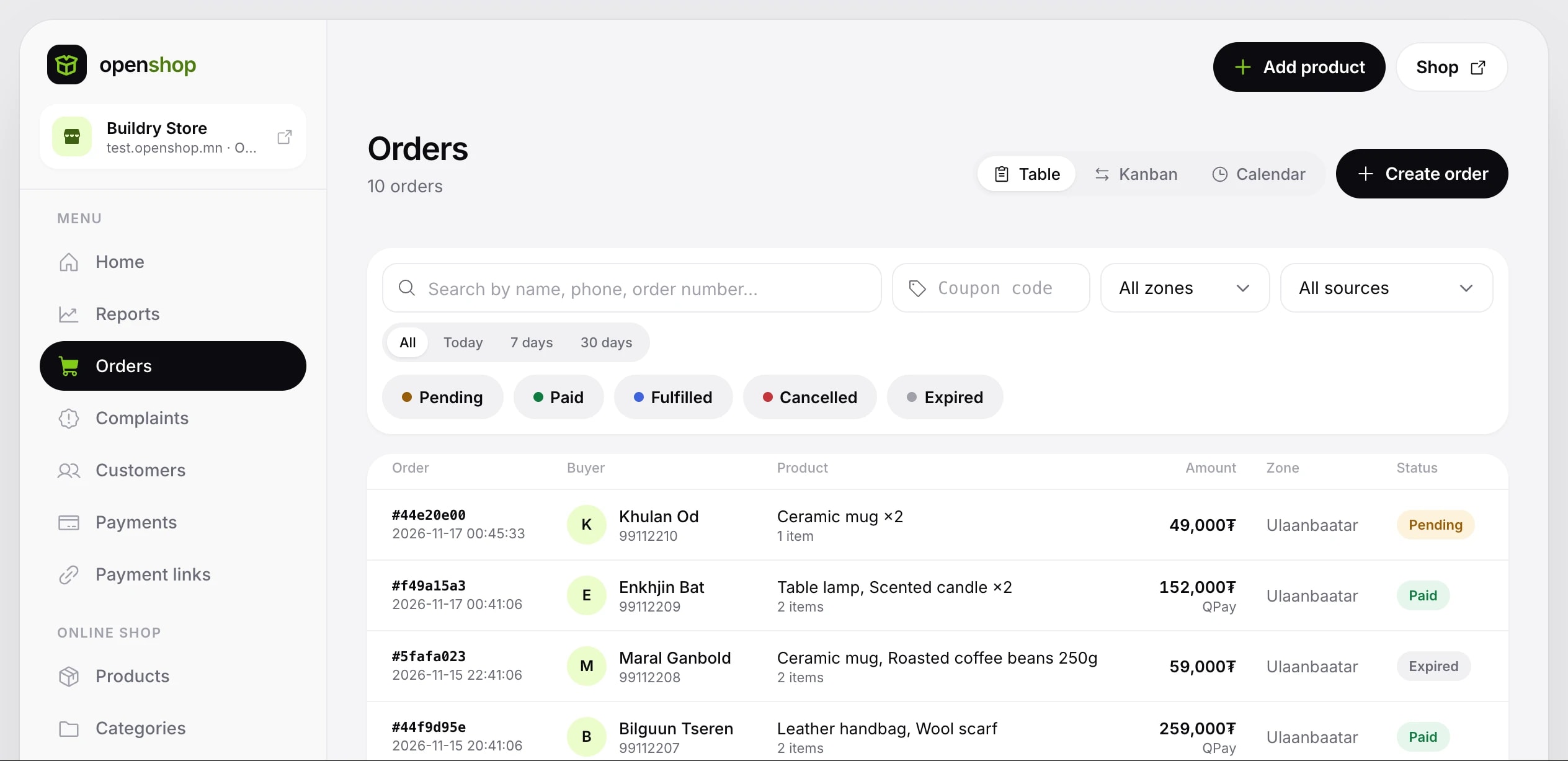
QPay, card, wallets and installments. Money straight to your account, receipts issued automatically.
- 01
QPay QR
The buyer scans the QR code with their bank app and pays.
- 02
Card payments
Card payments are accepted the same way, with each operator's contract in one place in the console.
- 03
Wallets and installments
StorePay, Toki, MonPay and Pocket Zero, connected under your own contract with each operator.
- 04
Straight to your account
An order counts as paid only after the payment is verified on the server.
- 05
Automatic e-barimt
Once approved, a receipt is issued for every payment and emailed to the buyer.
- 06
Company receipts
When the buyer enters a company TIN, the receipt is issued in the company's name.
- 07
Payment links
Collect payments outside orders, donations and event tickets with a link.
Key features
- Pay by scanning a QR code from any bank app
- Connect StorePay, Toki, MonPay and Pocket Zero under your own contract
- Every payment is double-checked on the server
- You get an email as soon as an order is paid
- The platform takes no cut of your sales
- Business verification is done only once
- Buyers who enter their registration number get a receipt in their own name
- Set VAT and the product classification code for each product
- A product's barcode fills in its receipt details automatically
Buyers pay by QPay QR or card. The money goes from the bank straight to your account without passing through OpenShop.
Once approved, an e-barimt is issued automatically for every payment and sent to the buyer's email, with a company TIN too.
Every payment method in one place
Buyers pay the way that suits them: QR, card, wallet or in installments. The money goes straight to your account without passing through OpenShop.
Scan the QR code from any bank app
Pay by card
Pay in installments
Wallet: QR code or a request to the app
Wallet, QR code
Pay in installments
Connect in three steps
How to connect
- 01
Sign a contract with the operator
Sign a merchant contract with the operator of the payment method you want to use. The contract is directly between you and the operator.
- 02
Get your API access (keys)
Once the contract is signed, the operator gives you the access you need to connect.
- 03
Connect it in the OpenShop console
Connect it in the Payments section of your shop console and check it. Then make one test payment with a small amount.
Other areas.
Products, bookings, nightly rentals, digital products, courses and tickets.
Learn more →02MarketingCoupons, reminder emails, catalogs, Pixel and reports.
Learn more →03Customers and trustCustomer cards, points and complaint resolution.
Learn more →04Domains and integrationsYour own domain, Open API, webhooks, apps and product feeds.
Learn more →